Choosing the wrong processor can increase power consumption, system cost, and design complexity. In a microcontroller vs microprocessor decision, the best option depends on how much performance, memory, real-time control, and software support your application needs. This article breaks down the difference between microprocessor and microcontroller, compares their practical trade-offs, and helps you determine which one is better suited to your design.
What Is a Microcontroller (MCU)?
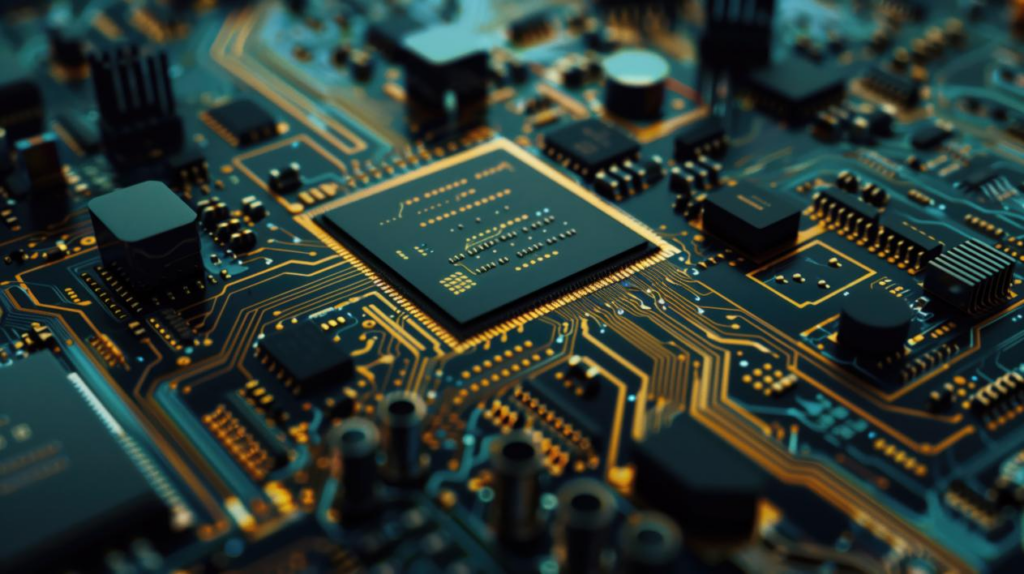
A microcontroller (MCU) is a compact integrated circuit that combines a processor core, memory, and input/output peripherals on a single chip, designed to perform dedicated control tasks within an embedded system.
Key Functions of a Microcontroller
A microcontroller’s primary role is to monitor inputs, execute pre-programmed instructions, and directly control outputs such as motors, sensors, or displays. Because the CPU, RAM, ROM, and peripherals are integrated on one chip, an MCU can operate independently with minimal external circuitry, making it well suited for real-time, dedicated control applications.
Advantages of Microcontrollers
- Low power consumption
- High integration
- Compact system design
- Lower hardware complexity
- Strong real-time control capability
- Cost-effective for dedicated applications
Limitations of Microcontrollers
- Limited processing performance
- Limited memory capacity
- Less suitable for complex operating systems
- Limited graphics and high-performance computing capability
What Is a Microprocessor (MPU)?
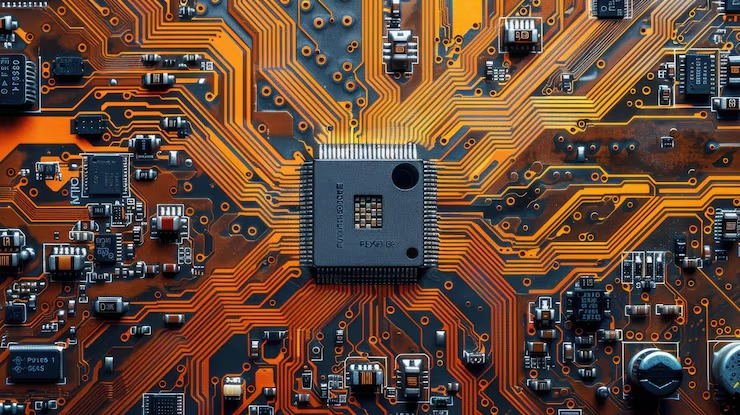
Unlike a microcontroller, which integrates the processor, memory, and I/O on a single chip, a microprocessor (MPU) is the central processing chip of a computing system, responsible for fetching, decoding, and executing instructions to process data. It typically requires external RAM, storage, and peripheral components to form a complete functioning system.
Key Functions of a Microprocessor
A microprocessor’s primary role is to coordinate data flow between memory, storage, and peripheral devices while executing instructions at high speed. Because MPUs are built for general-purpose or high-performance computing, they typically support multitasking operating systems and advanced software stacks, enabling them to handle complex, resource-intensive tasks.
Advantages of Microprocessors
- Higher processing performance
- Larger and scalable memory
- Full operating system support
- Better graphics and multimedia capability
- Greater flexibility for complex applications
Limitations of Microprocessors
- Higher power consumption
- More external components
- More complex PCB design
- Higher overall system complexity
- Potentially higher total system cost
Difference Between Microprocessor and Microcontroller: Comparison at a Glance
To move from a general understanding to a practical decision, it helps to break the difference between microprocessor and microcontroller down into specific evaluation criteria that matter in a microcontroller vs microprocessor decision.
Integration
How many components — CPU, memory, I/O — are built onto a single chip versus added externally. Higher integration reduces the number of external parts needed, directly affecting board size, assembly cost, and design time.
Processing Performance
How much computation the processor can handle, including clock speed and core count. It determines whether the system can support computation-heavy tasks like image processing or is limited to dedicated control functions.
Memory
The available RAM and storage capacity, along with whether it can be expanded. This affects what kind of software the system can run — from simple firmware to a full operating system with multiple applications.
I/O & Peripherals
Built-in interfaces such as ADC, PWM, UART, and timers. More built-in peripherals mean the processor can interface directly with sensors and actuators without added hardware, simplifying the design.
Operating System
The type of software environment the processor supports, ranging from bare-metal firmware and a lightweight RTOS to a full operating system like Linux. This shapes development complexity, the availability of software libraries and drivers, and long-term maintainability.
Power Consumption
The amount of energy the processor draws during operation and standby. This is a critical factor for battery-powered or thermally constrained products, where excess power draw can shorten battery life or require added cooling.
System Complexity
The overall difficulty of designing, developing, and debugging the system, including both hardware and software. Higher complexity increases development time and the number of potential points of failure.
Total System Cost
The combined cost of the processor, external components, board design, and development effort — not just the price of the chip itself. This is often the deciding factor once technical requirements are met by more than one option.
With these criteria defined, the table below puts microcontrollers and microprocessors side by side, making the difference between microprocessor and microcontroller easier to see at a glance.
MCU vs MPU: Side-by-Side Comparison
Evaluation Criteria | Microcontroller (MCU) | Microprocessor (MPU) |
Integration | CPU, RAM, ROM, and I/O on a single chip | CPU only; requires external RAM, storage, and peripherals |
Processing Performance | Moderate, optimized for control tasks | High, suited for computation-heavy workloads |
Memory | Limited, fixed on-chip capacity | Large and scalable via external memory |
I/O & Peripherals | Built-in (ADC, PWM, UART, timers, etc.) | Requires external peripheral controllers |
Operating System | Bare-metal or lightweight RTOS | Full OS support (Linux, Android, etc.) |
Power Consumption | Low | Higher |
System Complexity | Lower, simpler board design | Higher, more complex PCB and software stack |
Total System Cost | Generally lower for dedicated applications | Can be higher due to added components and design effort |
Microcontroller vs Microprocessor: Practical Analysis and Design Insights
The criteria above outline where MCUs and MPUs differ on paper, but real designs rarely come down to a single spec. The insights below translate that comparison into practical guidance for deciding which is better, microcontroller or microprocessor, for a specific project.
Higher Performance Does Not Always Mean a Better Choice
Higher MPU computing power can benefit demanding workloads, while MCU architectures may deliver better efficiency for dedicated and predictable control tasks.
Running a simple on/off control loop on a high-performance MPU often wastes capability the application doesn’t need, while running a computation-heavy task on an undersized MCU can bottleneck the entire system.
The right choice depends on matching processing power to the actual workload, not defaulting to “more is better.”
Integration Can Matter More Than Processor Price
MCU integration can simplify hardware and reduce component count, while MPU-based systems generally offer greater memory and system expansion flexibility.
A low-cost MPU chip can still drive up total system cost once external memory, storage, and peripheral ICs are added, whereas an MCU’s all-in-one design keeps the bill of materials lean and more predictable.
Whether that trade-off is worth it depends on how much the application’s memory and feature needs are likely to grow over time.
Real-Time Response and Raw Computing Power Should Be Evaluated Separately
Deterministic response can favor an MCU, while large-scale computation and multitasking can favor an MPU depending on the workload.
Applications like motor control or safety interlocks need predictable, low-latency responses that a real-time MCU handles reliably, while data-heavy tasks like image processing or multi-threaded applications benefit from an MPU’s raw throughput even if its timing is less deterministic.
Neither trait makes one processor universally superior — they simply serve different priorities.
Software Requirements Can Be as Important as Hardware Specifications
Bare-metal or RTOS-based applications may fit an MCU well, while Linux, advanced graphics, and complex software stacks may make an MPU more suitable.
An MPU’s OS support becomes worthwhile mainly when a project genuinely depends on networking stacks, a graphical interface, or third-party software libraries. For projects centered on dedicated control logic, an MCU’s simpler, more contained software model is usually the easier path to build and maintain.
The right fit follows from what the software itself needs to do, not from one architecture being simpler in general.
MCU and MPU Can Complement Each Other
Some systems combine an MPU for high-level computing with an MCU for real-time control, allowing each processor type to handle the tasks it performs best.
A common example is an industrial device where an MPU manages the user interface, connectivity, and data processing, while a companion MCU handles time-critical motor control or sensor polling.
This division of labor lets designers get high performance and deterministic control without treating the decision as a strict either-or choice.
Applications of Microprocessors and Microcontrollers
Microprocessors and microcontrollers are widely used across a broad range of embedded and computing applications, with each type serving different system requirements and design goals.
Common Microcontroller Applications
- Industrial control
- Motor control
- IoT sensors
- Smart appliances
- Automotive control
- Wearable devices
- Battery-powered devices
Common Microprocessor Applications
- Human-machine interfaces
- Advanced displays
- Multimedia systems
- Linux-based embedded systems
- Computer vision
- Edge computing
- High-performance networking
Which Is Better: Microcontroller or Microprocessor?
Building on the application examples above, the question of which is better, microcontroller or microprocessor, ultimately comes down to matching the processor to what the specific application needs to do. The guidelines below can help narrow down the decision.
Choose a Microcontroller If:
- The task is dedicated and well defined
- Real-time control is important
- Low power consumption matters
- Board space is limited
- Integrated peripherals meet the requirements
- Cost and system simplicity are priorities
Choose a Microprocessor If:
- High computing performance is required
- Large memory is required
- Linux or another full OS is needed
- Advanced graphics or HMI is required
- High-bandwidth connectivity is required
- Application requirements may expand significantly
Once you’ve settled on a direction, the next question is where to actually source the part.
Ready to Choose an MCU? 2 Practical Options for Different Design Needs
Mayhwa sources from 2,000+ global suppliers, keeping a wide range of MCU components in stock and backed by strict quality control — so once you’ve made your decision, you can move straight from selection to production without sourcing delays. Here are two solid starting points for different design needs.
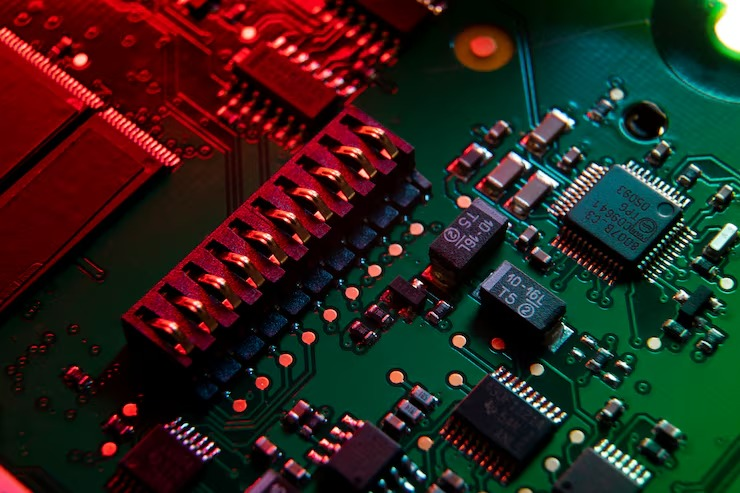
For High-Performance Real-Time Control: STM32F427VGT6
Built around the ARM Cortex-M4 32-bit RISC core operating at up to 180MHz, the STM32F427VGT6 combines 1MB of Flash memory and 256KB of SRAM with a floating-point unit and DSP instructions. It also integrates 12 general-purpose 16-bit timers, including two PWM timers designed for motor-control applications, making it suitable for demanding real-time control systems such as industrial automation and motor drives.
For Simple and Cost-Sensitive Control: ATMEGA2560-16AU
The ATMEGA2560-16AU is an 8-bit AVR RISC-based microcontroller featuring 256KB of Flash memory and 8KB of RAM, with 86 general-purpose I/O lines, and it’s widely recognized as the core processor for the Arduino Mega 2560 platform. For dedicated, budget-conscious control tasks, it’s a practical, well-supported choice.
Want to explore more options? Browse our full product catalog.
Make the Right Call — Then Let Mayhwa Handle the Rest
Choosing between an MCU and an MPU comes down to matching the processor to your application’s real-time, memory, and software needs. Whether you land on the STM32F427VGT6, the ATMEGA2560-16AU, or another part entirely, Mayhwa can help you source it — with genuine components, competitive pricing, and fast delivery. Contact us to get a quote for your next project.
FAQ
Q: Can a Microcontroller Replace a Microprocessor in an Existing Design?
Usually not as a drop-in replacement. An MCU can replace an MPU only when the application does not require a full operating system, large external memory, advanced graphics, or heavy computing, and the hardware and firmware can be redesigned accordingly.
Q: Can You Replace One MCU with Another MCU Without Redesigning the Board?
Only if the new MCU is pin-compatible and matches the required voltage, memory, peripherals, clocking, and package, even then, firmware changes are often required because registers, drivers, and peripheral configurations may differ.
Q: How Do I Know Which MCU Part Number Is Right for My Design?
Start with the required core performance, Flash and RAM, interfaces, package, voltage, and temperature range. If you already have a target part number, verify the full suffix because package, temperature grade, and memory configuration can vary within the same MCU family.